Lets discuss some of the basics you need to begin to rock your AWS solutions.
The Principles
Everything As Code
Firstly everything has to be via code! Doing things via the console is not the way to go long term. As soon as you can look at using the Command Line Interface (CLI). Even using the CLI will start to give you a better understanding of how AWS works under the hood and allow you to design and build better solutions. See the links at the bottom on how to install the CLI.
Automated Deployments
Second try and deploy by pipelines. Once everything is code deploy by a CI/CD pipeline. This reduces your effort to deploy and allows you to focus on the solution. To help you write code you can start with just notepad or equivalent. However to get the best you will need an Integrated Development Environment (IDE). An IDE will allow you to load tools and utilities that will improve your code and solution. I personally use IntelliJ but started of with Atom. As well as writing code you will need to deploy it. Most pipelines are triggered from a code repository such as AWS Code Commit or GitHub. All of these will require GIT to be loaded to push code. At a minimum GIT CLI is needed but for beginners a tools such as GitHub Desktop is simple to use.
Repeat and Reuse
Finally, make everything repeatable. Use templates with variables that you can re-use. As we go into detail about solutions you will see where possible I use a configuration file to pass variables to my templates. This means I can reuse the templates in different AWS Regions, Accounts or in different solutions. As one of the technical architecture principles states “Don’t reinvent the wheel”.<
The Tools
AWS CLI
The AWS CLI will allow you to integrate into AWS and run commands locally against your AWS estate.

When you are getting started it’s good to use the AWS Command Line Interface (AWS CLI) to control AWS services from the command line. Once you are happy with the commands and structure use the CLI and automate them using scripts or Lambda functions.
IDE
I previously used a mix of Atom and Jetbrains. However, Atom was sunsetted with the purchase of GitHub by Microsoft in 2022. In many IDEs have had updates and AWS has released Kiro. As such I currently use Kiro as my main IDE and others dependant on requirements.
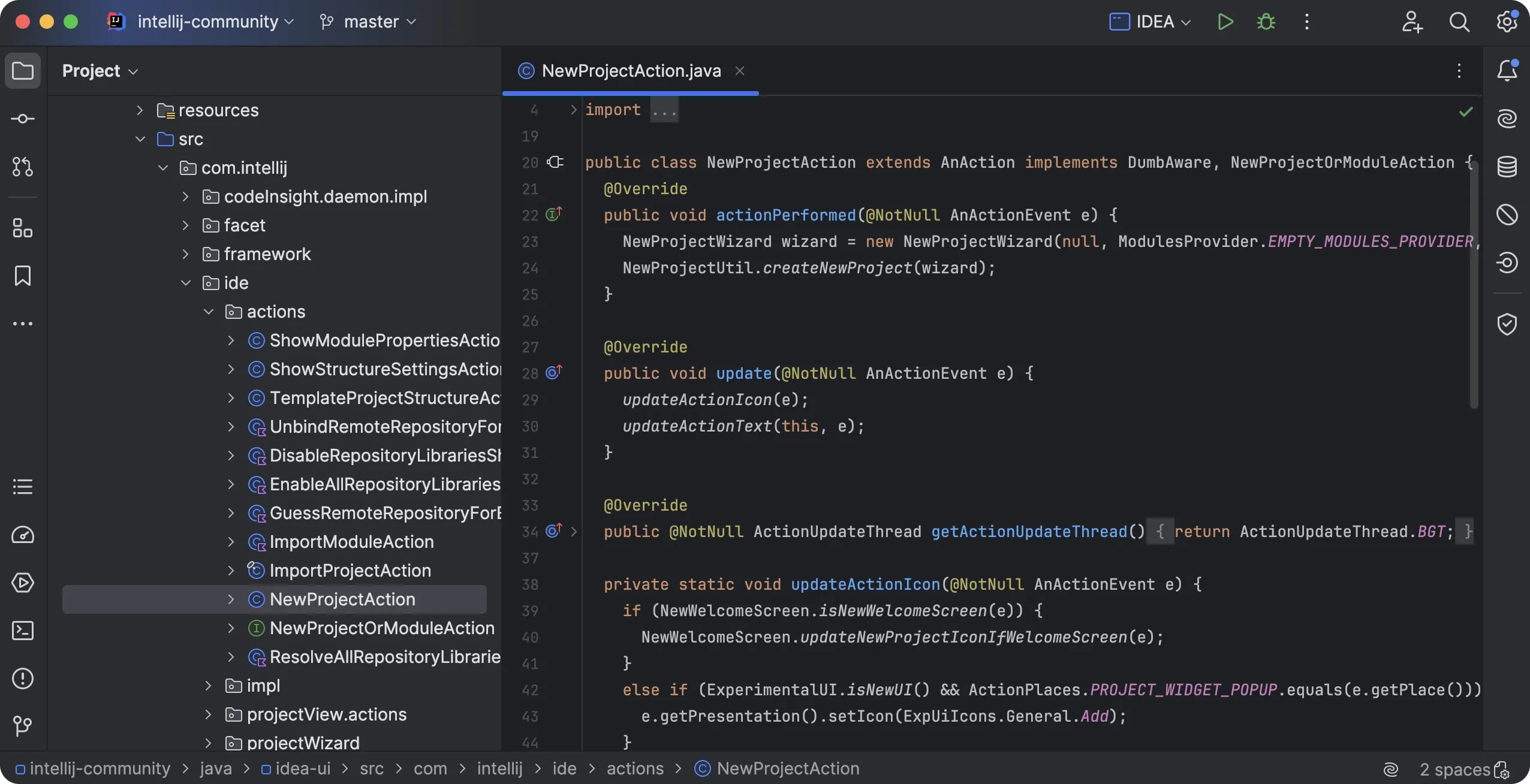
JetBrains Idea
The JetBrains Idea is a powerful IDE with multiple plugins and AI frameworks..
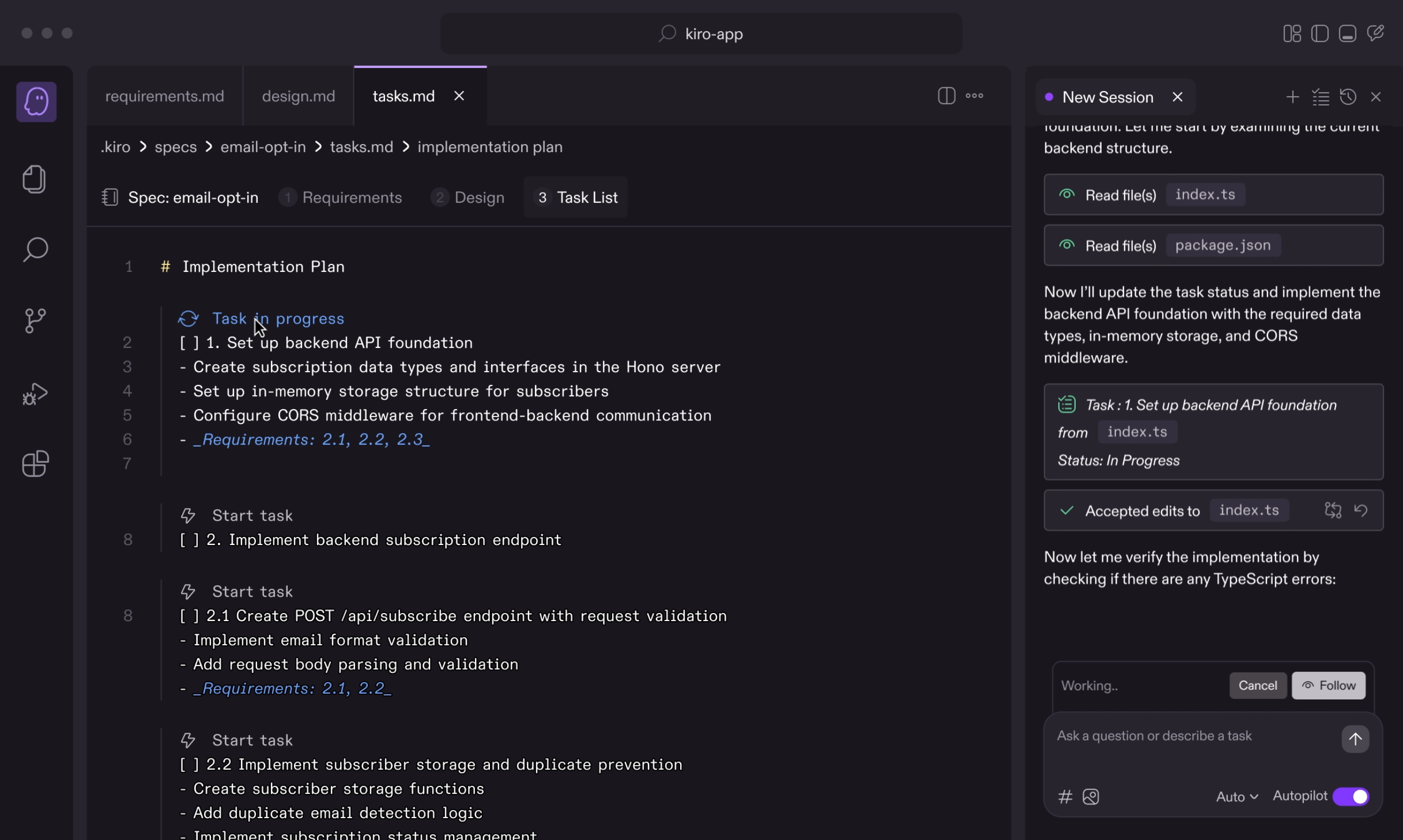
Amazon Kiro
The Kiro is a powerful IDE built by and for agentic development. It is a fork of VSCode so comes with the backing of multiple plugins and AI frameworks, as well as alowing easy transistion between the two IDEs. In addition to vibe coding it also comes with spec driven development frameworks to support the development and maintenance of robust code.
Git
GIT CLI
GIT SCM is a powerful CLI and the basis for all git actions and many of the tooling to manage git.
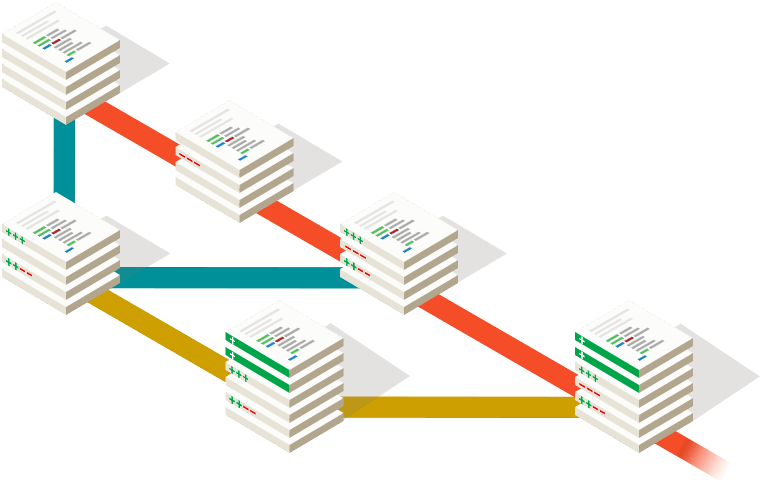
It is the basis for all terminal based git management so if you do all your development on the command line this is the tool for you.
Also important to know that this is also a prerequisite for many IDEs that have git management built in but not the git source code.
GIT Desktop
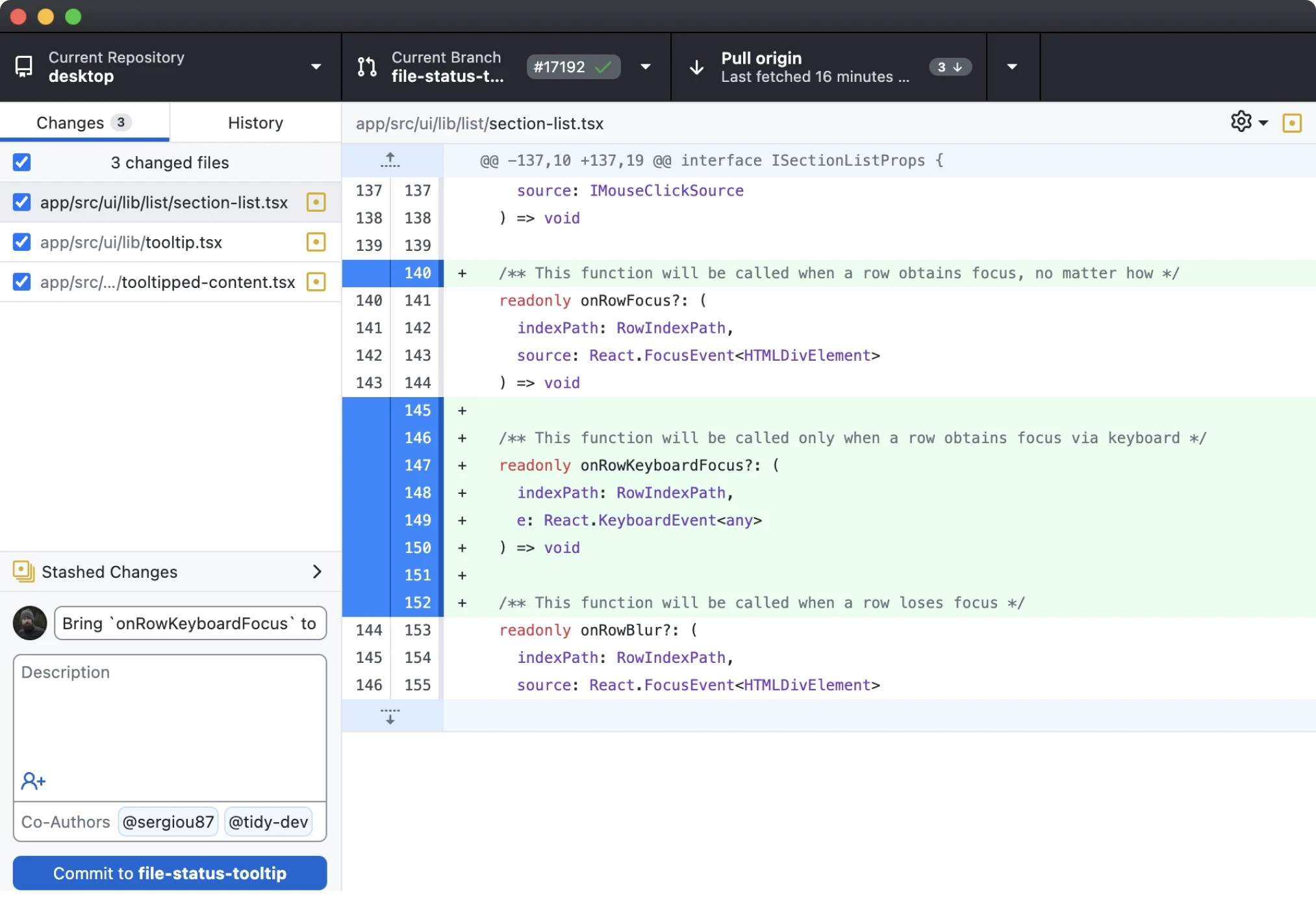
The GIT Desktop is a application from github to visual manage git.
Alternative GUIs
There are multiple alternative GUIs to interact with GIT where IDEs might fall short or you are partiularly focused on one area of GIT. GIT SCM has a great list on that can be filtered by OS. Of these GIT Kraken and Source Tree are two very powerful clients if you do a lot of git repository and branch management.
comments powered by Disqus